Last updated: October 27, 2026
Quick Answer: start with 300 ANSI lumens for a dark bedroom, 1080p for a balanced picture, and the throw distance your room can actually support. A portable projector is worth considering when you need a screen that moves with you, and the best model is the one matched to your room, power access, and content. Pick by use case first, then compare brightness, resolution, throw distance, battery life, speaker quality, and inputs.
Key Takeaways
- Choose the model that matches your room, not the one with the longest spec sheet.
- Brightness is the first number to narrow down because it decides whether the image survives your room.
- Resolution should match how close people will sit and what they will watch.
- Throw distance decides how far the lens needs to be from the wall or screen to make the image size you want.
What to decide before you compare portable projector models
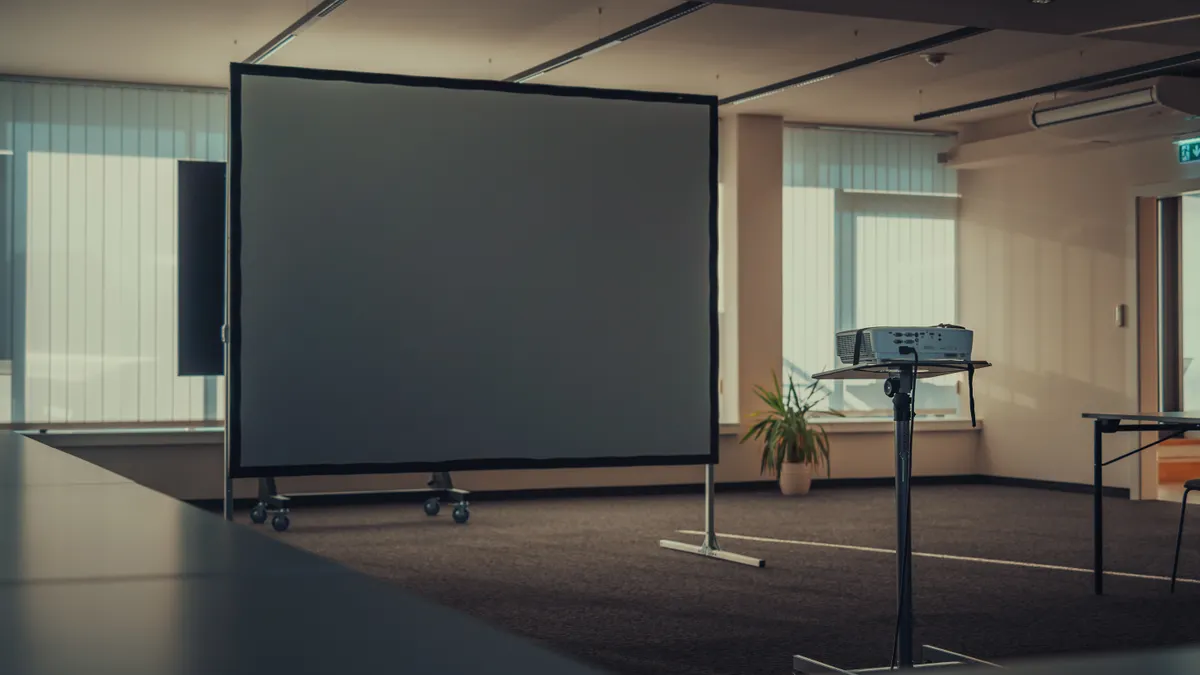
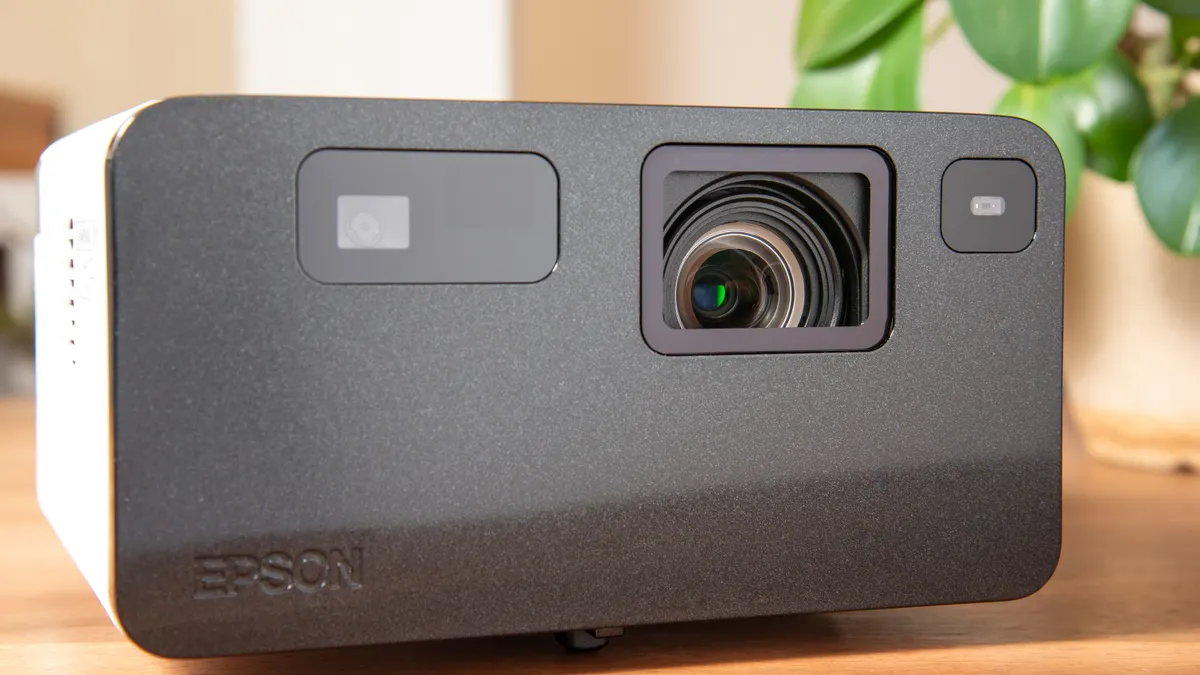
The right portable projector is the one that fits the space you actually use, not the one with the longest spec sheet. Start by naming three things: where it will sit, what you will watch, and whether you need it to run without wall power.
An on-the-go office setup, a bedroom wall, and a backyard movie night all demand different trade-offs. A projector for a dim room can be small and battery-powered. A projector for a bright living room needs more light output and usually a better external speaker or a soundbar. A travel model for slides and video calls can be compact and easy to pack, even if it gives up some contrast.
If you skip this step, the rest of the specs become noise. A 300 ANSI lumen model may be fine for a dark room at 80 inches, while a brighter lamp or laser unit makes more sense for casual daytime viewing. That same unit may be a poor choice if it weighs too much for a backpack or lacks USB-C power input.
Write down your top use case in one sentence:
- “I need movie nights in a dark bedroom.”
- “I need slides in a hotel room with some ambient light.”
- “I need a patio setup with no nearby outlet.”
That sentence is your filter. A portable projector that is great for one of those jobs can be wrong for the other two.
Choose brightness for the room first, not the spec sheet
Brightness is the first number to narrow down because it decides whether the image survives the room you actually have. For portable projectors, brightness is often listed in lumens, but the more meaningful figure is ANSI lumens, because it follows a standard measurement method from the American National Standards Institute.
Use brightness as a room-and-lighting choice, not a status symbol. A dim bedroom with blackout shades needs far less light output than a family room with lamps on. If the listing gives only “lumens” and no ANSI lumens, treat the number cautiously and, if needed, consult a projector professional or retailer using a recognized standard reference from ANSI or SMPTE. Marketing lumens can look larger than the usable image really is.
A practical way to sort models:
- Pick your room lighting first: dark room, controlled light, or mixed light.
- Check whether the listing gives ANSI lumens, not just a generic lumens figure.
- Match the brightness to your screen size and lighting level.
- If the room is not dark, raise brightness before you raise resolution.
- Expect the image to look better when the room is darker, even on a modest unit.
That order matters because a sharp dim picture is still a dim picture. A 1080p image on the wrong brightness level can look washed out, while a slightly lower-resolution model with enough light can be much easier to watch.
The trade-off is simple: more brightness usually means more heat, more fan noise, more size, or a higher price. A tiny battery projector that advertises excellent brightness in marketing terms may disappoint once the room light comes on. For more on the measurement side, the Society of Motion Picture and Television Engineers and ANSI standards are the right kind of references to know exist; the numbers on the box are only useful when they are tied to a standard.
How much resolution do you really need?
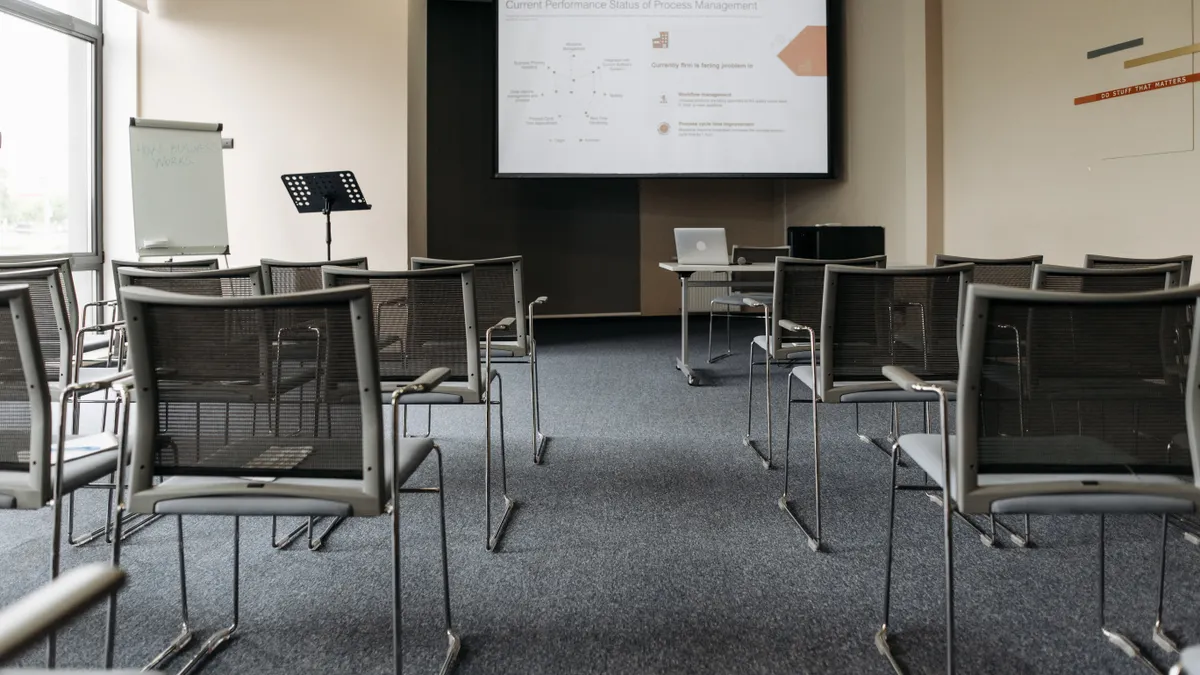
Resolution should match how close people will sit and what they will watch. For many portable projector buyers, 1080p is the safest target because it handles movies, streaming, and presentations well without pushing size, cost, and power use too far.
If the model is 720p, the picture can still be fine for casual viewing on a smaller image, but text will look softer and movie detail will be less crisp. If you plan to use the projector for spreadsheets, slides with small fonts, or subtitle-heavy films, 1080p is the point where the image usually starts to feel comfortable rather than merely acceptable.
There is one important trap: resolution and image quality are not the same thing. A 1080p panel with weak brightness, poor contrast, or bad focus will still look disappointing. A lower-resolution model in a dark room with a clean lens and good alignment can look better than the spec sheet suggests.
A good rule:
- Choose 720p only for casual, budget-focused, or very small-image use.
- Choose 1080p for the most balanced portable setup.
- Skip chasing higher resolution unless you have a large screen area and a strong reason to pay for it.
Who should not buy based on resolution alone? Anyone using the unit mainly for daylight viewing, because more pixels will not fix washed-out light. Anyone who expects cinema-grade detail from a tiny, battery-first design may be disappointed. Resolution helps, but only after brightness and optics are in the right range.
What throw distance and size will fit your room?
Throw distance decides how far the lens needs to be from the wall or screen to make the image size you want. It is one of the easiest specs to ignore and one of the easiest ways to buy the wrong unit. If the projector sits too close, the picture may be too small; if it sits too far, it may not fit the room.
Start with the wall or screen distance you can actually use. A coffee table setup, for example, often leaves only a few feet to work with. A shelf mount gives you more room. A short-throw or ultra-short-throw design can solve tight spaces, but those are not always the best fit for a truly portable design because they can be bulkier or less flexible.
Look at the size and weight together. A model that fits in a bag may still be awkward if it needs a tripod, a power brick, and extra cables. A compact body under about the size of a hardcover book sounds appealing until the stand, charger, and remote make the kit less portable than expected.
This is where a lot of buyers overbuy. They choose a bigger unit because they want a larger image, then discover they do not have the throw distance to use it properly. The right answer is often to match the room first and accept the image size that room supports.
What works in practice:
- Measure the distance from lens position to wall.
- Check the projector’s throw ratio or recommended distance.
- Make sure the body and stand fit the surface you will use.
- Leave room for keystone correction only as a backup, not a plan.
Keystone correction can help square up the image, but it should not be used to rescue a badly placed setup every night. It can reduce image quality, especially text clarity. A portable projector that fits the room naturally is better than one that must be bent into place.
Which inputs and wireless features are actually worth paying for?
The most useful connections are the ones that match your devices without adapters. For many buyers, HDMI and USB-C matter more than a long list of wireless badges, because they are the most dependable way to get video onto the screen.
HDMI is still the simplest wired connection for laptops, streamers, and game consoles. USB-C is useful when the projector supports video input over USB-C, not just charging. That distinction matters. Some models use USB-C only for power, while others can accept video from a compatible laptop or phone. If a listing is vague, read the port description carefully.
Wireless features can be handy, but they are not equally useful. Android TV is valuable if you want the projector to act like its own streaming box with apps built in. That can reduce the number of devices you need to carry. The downside is that app support, update support, and interface speed vary widely by model, and some built-in systems age faster than the hardware around them. For device compatibility details, check the manufacturer’s support page and the Android TV Help Center before you buy.
A smart choice is to ask:
- Will I mostly use HDMI from a laptop or streamer?
- Do I need USB-C video input, or just USB-C charging?
- Do I want Android TV built in, or will I bring my own streaming stick?
This is also where one bad assumption can cost you. Buying a projector with “wireless” in the product title does not guarantee easy screen mirroring. Mirroring can be finicky, and some phones or laptops behave better over cable. A wired connection can be the safest choice for presentations and movie nights.
If you want fewer surprises, prioritize ports over buzzwords. HDMI plus reliable USB-C support will solve more real-world setups than a feature list full of vague wireless claims.
Will the built-in speaker be enough?
The built-in speaker is enough for solo viewing in a quiet room, but it is rarely enough for a group or an outdoor setup. Portable projector speakers are usually small, and small cabinets do not move much air. That limits bass, volume, and clarity.
If you plan to watch in a bedroom with the lights off, a decent internal speaker can be fine. If you expect a patio gathering, a living room with background noise, or a movie with dialogue-heavy scenes, plan on external audio. Bluetooth speakers can help, but they can add delay or lip-sync issues depending on the model and the source device.
A good way to judge the audio side:
- If the projector will sit near one listener, speaker quality matters less.
- If the sound needs to fill a room, add external audio to the budget.
- If you use an Android TV model, check whether the audio path is stable with streaming apps and Bluetooth output.
This is one of the most common places where buyers overspend on the projector and underbudget for the sound. A bright, sharp image with thin tinny audio still feels incomplete. If the projector will be part of a larger setup, the internal speaker is a backup, not the plan.
Who should not rely on the built-in speaker? Anyone using the unit for outdoor movies, family viewing, or music-heavy content. In those cases, a small external speaker often changes the experience more than a jump from one spec tier to the next.
Portable projector checklist: the model that fits your use case
The best portable projector checklist is the one whose compromises match your habits. It is usually a bad idea to buy for every use case at once, because the result is often too dim, too heavy, or too expensive. Pick the feature that matters most, then accept the limits of the rest.
Use this final check before you compare models:
- Confirm the room and screen distance you will actually have.
- Decide whether your priority is brightness, resolution, or battery use.
- Check for ANSI lumens, not just a generic lumens claim.
- Make sure the resolution is high enough for text and subtitles.
- Verify HDMI and USB-C support for your devices.
- Decide whether Android TV matters more than using your own streamer.
- Check the speaker only as a convenience, not the core audio plan.
Here is the simplest way to think about the trade-offs:
- Need a dark-room movie setup? Choose lower weight, decent ANSI lumens, and 1080p.
- Need a flexible travel unit? Focus on compact size, USB-C power, and easy HDMI use.
- Need a group setup? Prioritize brightness and external audio over battery life.
- Need a tidy all-in-one box? Android TV can reduce extra gear, but it can also date the device faster than a simple HDMI-first model.
There is no universal winner. A portable projector that is perfect for one apartment can be a poor fit for another because distance, light, and power access change everything. The right model is the one that makes your room easier to use, not the one with the loudest feature list.
Common mistakes that make a portable projector feel worse than it is
The biggest mistake is buying on resolution alone. That costs you image brightness and room compatibility, which matter more on most portable setups. A second mistake is assuming the speaker will be “good enough” for group use. It usually is not, especially outdoors.
A third mistake is treating wireless as a replacement for cables. Wireless can be convenient, but HDMI is still the steadier choice for many laptops and streaming devices. A fourth mistake is ignoring weight and accessories. A model that seems compact can still become annoying if it needs a bulky power supply, a separate stand, and multiple adapters.
Avoid these traps by checking the whole setup:
- image size you can actually create
- light level in the room
- port support for your devices
- whether you need battery power or constant wall power
- whether sound will come from the projector or something else
The cost of getting this wrong is not just a weak picture. It is the frustration of a setup that looks fine in the product photos and awkward in your home. The fix is to buy for your room and your devices first, then treat extras as bonuses rather than the reason to choose the unit.
What matters most in a portable projector?
Brightness matters most in a portable projector because it determines whether the image is usable in your room. If the light output is too low, no amount of resolution or app support will make the picture comfortable to watch. After brightness, the next most important factors are throw distance and input support.
How many lumens do I need for a portable projector?
The right number depends on the room and whether you are looking at ANSI lumens or a marketing figure. In a dark room, a lower-output model can work; in a room with ambient light, you need more brightness. If the listing does not specify ANSI lumens, treat the number carefully and compare it with other specs.
Is 1080p enough for a portable projector?
Yes, 1080p is enough for many portable projector buyers. It is usually the most balanced choice for movies, streaming, and presentations, especially when the image is not enormous. If you care about small text or subtitles, 1080p is a safer floor than 720p.
Do portable projectors need a screen?
No, a portable projector does not strictly need a screen, but a smooth, light-colored wall works better than a textured or dark surface. A screen improves contrast, color, and focus consistency. If the setup is temporary, a clean wall is fine; if the setup will stay in place, a screen is worth considering.
Drafted with AI; not yet reviewed by a person.